

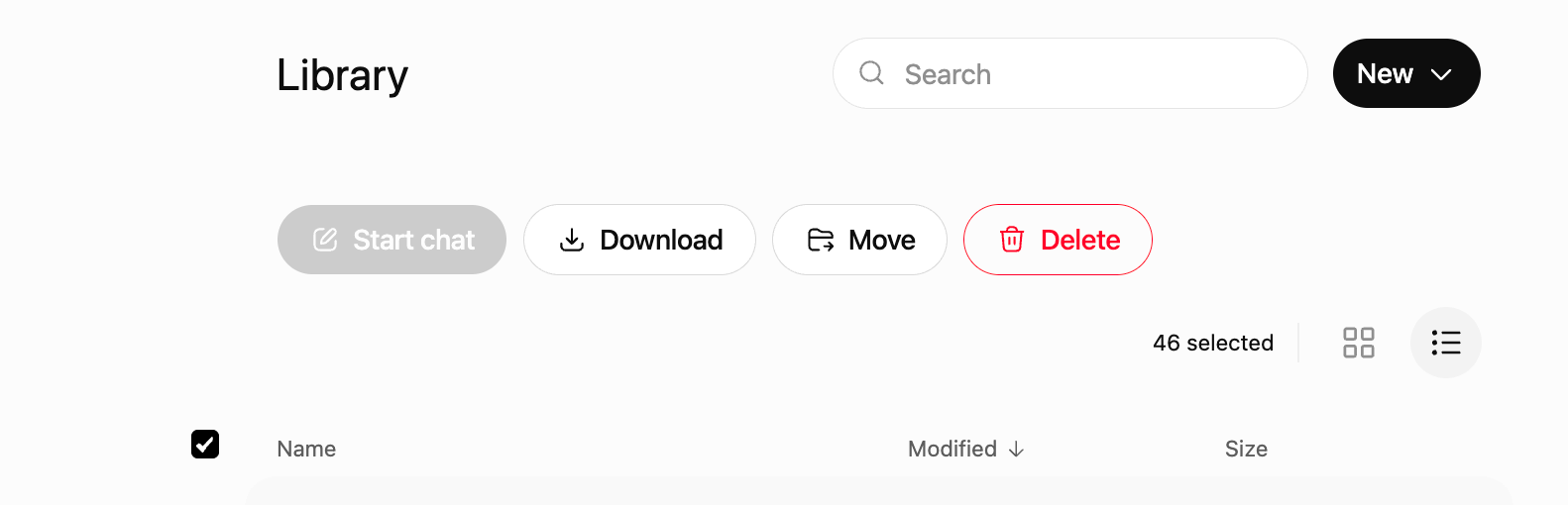
Last week I went looking for one old document in ChatGPT. I found something I did not expect. There was a folder holding every file I had ever uploaded. Old drafts. PDFs. Documents I was sure I had deleted months ago. I had deleted the conversations. The files were still sitting there.
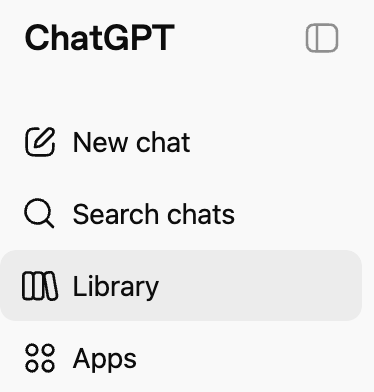
The folder is called the Library.
Most people do not know it exists.
It’s in your left sidebar.
In front of your eyes.
That is the whole problem in one sentence.
Here is what the Library is.
When you upload a file to ChatGPT, or when ChatGPT makes a file for you, it saves a copy. Documents, spreadsheets, pictures, PDFs, all of it. You do not turn this on. You do not click save. It happens on its own, quietly, in the background. The files pile up whether you notice or not.
Now here is the part that matters most. Deleting the chat does not delete the file. When you delete a conversation, it disappears from the list on the side of your screen. It looks gone. But the file you uploaded stays in the Library. So the thing almost all of us believe, that deleting a chat means it is gone, is simply not true. The chat is gone. The file is not.
Think about what people put into ChatGPT. A resume. A lease. A letter from a lawyer. A photo of a bill. A medical record. For my colleagues in medicine, think about every case we called de-identified that was not quite as anonymous as we told ourselves. Any of it can be sitting in storage you never knew you had, on a company’s computer, not yours.
Opt-in means a person’s data is not used unless they actively give permission.
Opt-out means the data may be used by default unless the person notices the setting and turns it off.
Opt-in is safer because it respects informed consent, reduces accidental data sharing, and places the burden on the organization to obtain permission before using personal information. Opt-out systems are weaker because many people never see the setting, do not understand it, or assume privacy is already protected.
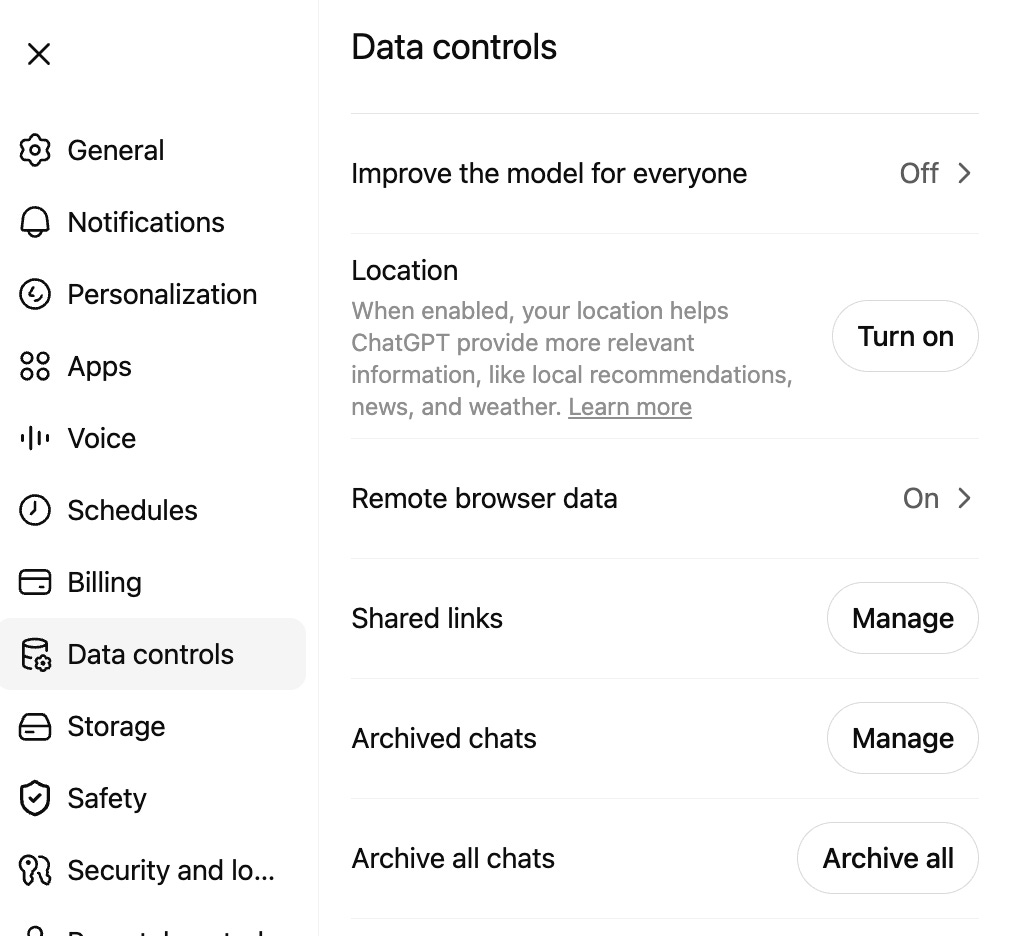
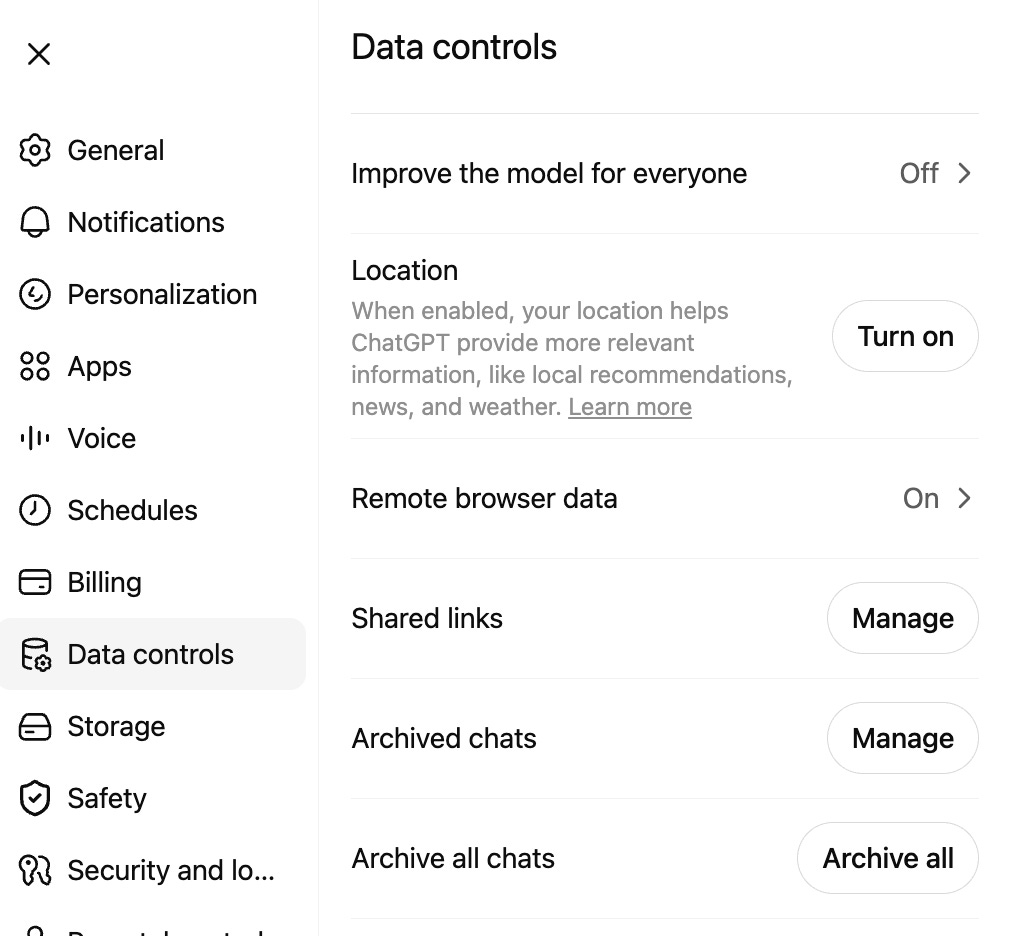
There is a second layer, and it is also turned on by default. ChatGPT has a setting called Improve the model for everyone. When it is on, the company can use what you type, and the files you upload, to train its future models. On by default. Most people never see the switch.
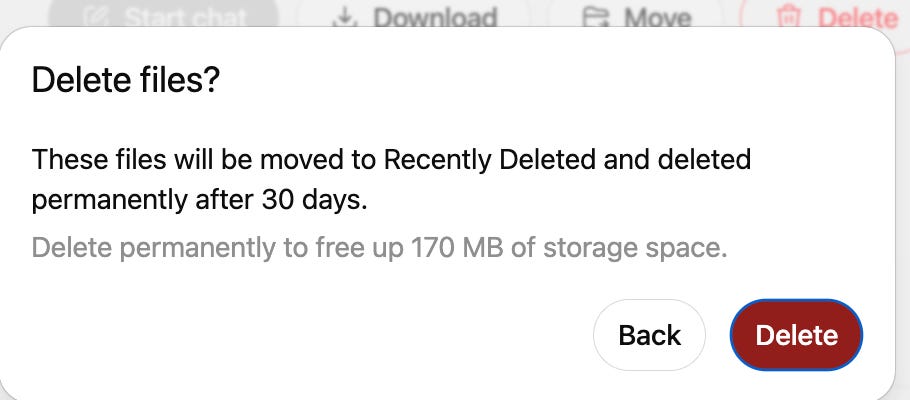
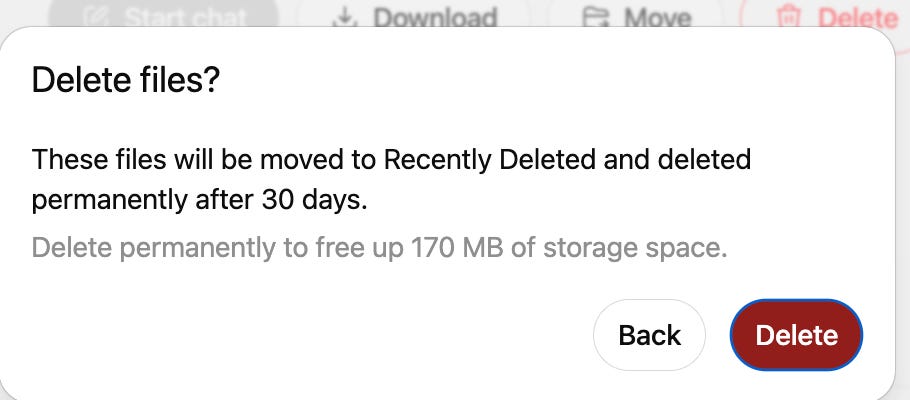
And when you finally do delete a file the right way, the company removes it from its servers within thirty days. So delete does not mean gone today. It means gone in about a month. That is better than forever. It is also not nothing.
So what do you do about it? Three things, and none of them take long.
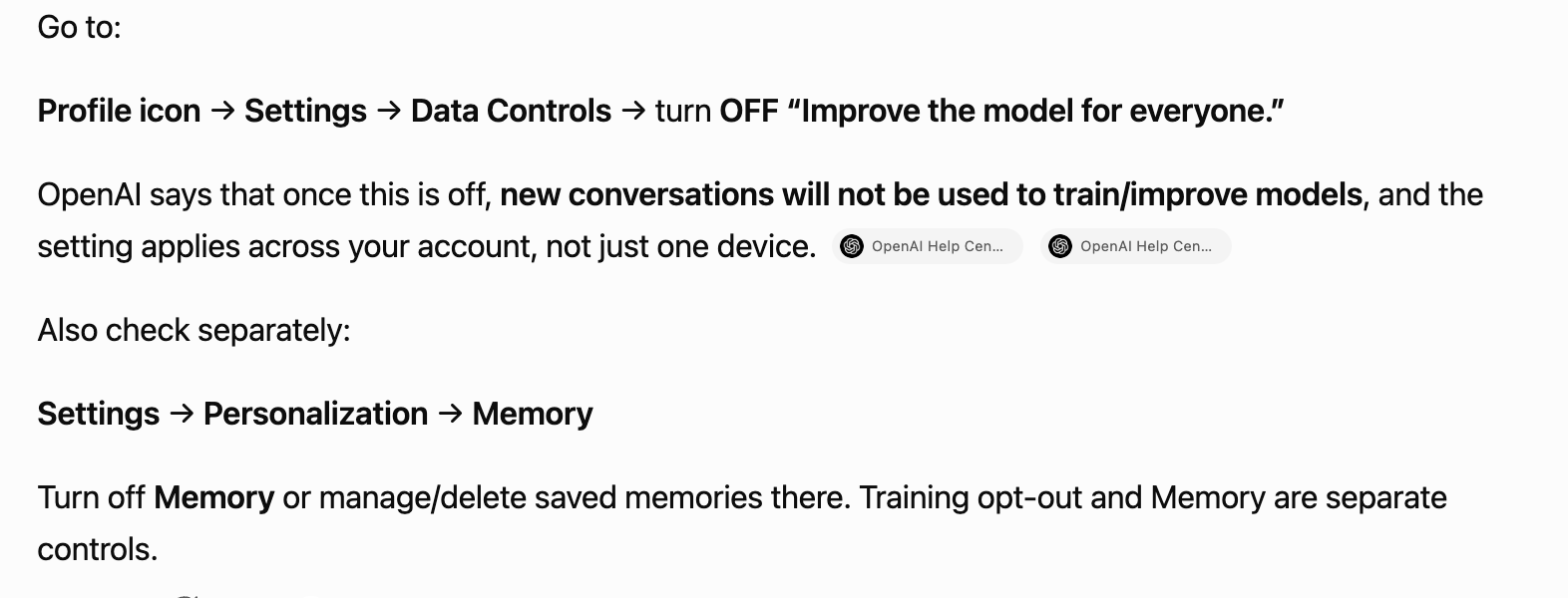
First, turn off training. Click your picture in the top right corner of the screen. Open Settings, then Data Controls. Find the line that says “Improve the model for everyone” and switch it OFF. From that moment on, your new chats are not fed into the next model.
Second, clean out the Library in one go. Open the Library from the menu. At the top of the list of files you will see the word Name. Click it. A box appears that lets you select everything at once. Check it, pick what you do not want kept, and delete. You do not have to click each file one at a time, which matters when there are hundreds of them.

Third, use Temporary Chat for anything private. The button sits in the upper right of the chat window. Looks like a broken circle. Not easy to find. A Temporary Chat is never saved to your Library and is never used for training. It is the right tool for the one-off question, the symptom you are embarrassed about, the document you do not want kept, the thing you would not say with the door open.
Here it is, upper right of a new chat:


What does this mean for you?
Not that ChatGPT is dangerous (or maybe it is?).
Saving your files so you can find them later is a fair and useful feature. For some.
The problem is not the Library. The problem is the silence around it. The saving is on by default. The deleting does not work the way the screen makes you think it does. And almost no one is ever told. That is not a technology problem. That is a consent problem.
Here is my take. I have spent fifty years telling patients the same thing. Consent only counts when it is informed. A choice you were never told about is not a choice you made. It is something that was decided for you while you were looking somewhere else. The rule that governs a procedure should govern your data too. You have a right to know what is being kept, what is being used, and how to stop it.
So open your Library today. Look at what is in there. You may be surprised, the way I was. Then decide, with your eyes open, what stays and what goes.
It took me one click to find the folder. It took one more to empty it. The second click is the one worth telling people about.
If this saved you from leaving something private on a stranger’s server, it did its job. ObGyn Intelligence is where I write about exactly this, the gap between what we are told and what is true, in medicine and in the tools we now use every day. Subscribe, and bring the friend who still thinks deleting the chat deletes the file.
Sources
OpenAI. File storage and Library in ChatGPT. OpenAI Help Center. Available from: https://help.openai.com/en/articles/20001052-file-storage-and-library-in-chatgpt
OpenAI. What if I want to keep my history on but disable model training? OpenAI Help Center. Available from: https://help.openai.com/en/articles/8983130