

Most of us use computers every day without thinking very much about where our files really live.
That is not because we are careless. It is because the system is designed to make us stop thinking about it.
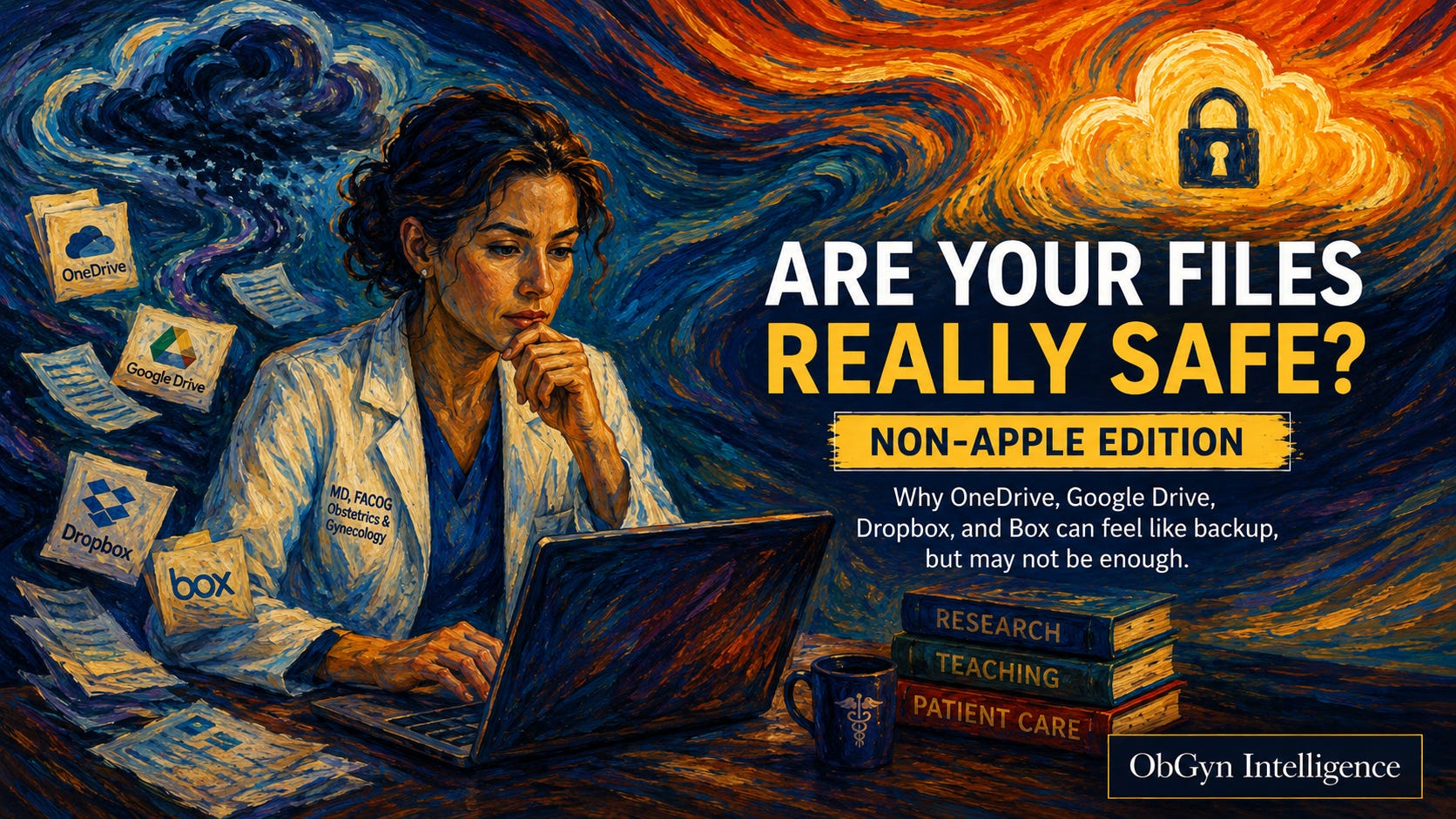
We open a laptop. We see a folder. We see a file. The same file may appear on another computer. It may be visible from a phone. It may be in OneDrive, Google Drive, Dropbox, Box, or another cloud service. The natural conclusion is simple:
The file is safe.
That conclusion may be wrong.
This is not only an Apple or iCloud problem. The same confusion exists on Windows computers and in nearly every cloud storage system. The names change, but the risk remains the same.
On a Mac, the file appears in Finder.
On a Windows computer, the file appears in File Explorer.
In both cases, the file may look like it is on the computer. But sometimes it is not fully stored there. It may be mostly in the cloud. It may be online-only. It may be waiting to download. It may be visible as a placeholder. It may be available only if the internet connection works.
That distinction is easy to miss.
Most people hear the word “sync” and think “backup.” That is understandable. If a file moves from my computer to the cloud and then appears on another computer, it feels backed up. It feels as if there is now another safe copy.
But the real test is not what happens on a normal day.
The real test is what happens on a bad day.
If I accidentally delete the file, is there a separate recovery copy?
If I overwrite the file, can I recover the older version?
If my computer stops uploading files to the cloud, will I know?
If a file appears in File Explorer but is not physically downloaded, will my backup service copy it?
If the cloud service changes a file everywhere, do I still have an independent copy from before the change?
This is where the difference becomes real.
Cloud services are excellent at making files available across devices. That is their main job. They let us work from a desktop, laptop, tablet, phone, office computer, or browser. That convenience is real.
But convenience is not the same as protection.
A simple way to say it is this:
Cloud sync helps your files appear in more places.
A backup helps your files survive when something goes wrong.
Those two things overlap in the mind of the user. They do not always overlap in real life.
That is the problem.
This article is for people who use non-Apple computers, Windows laptops, office desktops, hospital computers, university computers, or cloud systems such as OneDrive, Google Drive, Dropbox, and Box. It is also for people who think they are “backed up” because their files are “in the cloud.”
That may be partly true.
But it may not be safe enough.
If your professional life depends on documents, the question is not whether your files appear in the cloud. The question is whether you can recover them when the cloud, the computer, or your own assumptions fail.
The rest of this article is the practical instruction and checklist I wish I had used before losing a month of work.
The yearly subscription pays off many times more of what you could lose without these instructions.
It may save you from learning the same lesson after the crash.
